Short answer: run codex resume to pick a recent session from the current folder, codex resume --last to jump straight back into the latest, or codex resume --all to see sessions from every folder. Sessions are saved under CODEX_HOME, in ~/.codex/sessions by default, so each account (each CODEX_HOME) has its own history. Sessions Pro for Codex keeps that history with each profile.
Free 1-hour preview once you've signed in to a profile. For macOS 14 or later, or Windows 10 or 11, with the ChatGPT desktop app.
The commands
| What it does | |
|---|---|
codex resume | Opens a picker of recent sessions from the current folder |
codex resume --last | Continues the most recent session, no picker |
codex resume --all | Shows sessions from every folder, with a folder column |
codex resume <id or name> | Opens a specific session by its ID or name |
codex fork | Starts a new session from a previous one (picker, or --last) |
codex exec resume | Resumes a session non-interactively, for scripts |
Sessions you ran with codex exec don't appear in the picker by default; add --include-non-interactive. To tidy up, codex archive, unarchive and delete take a session ID or name.
Where sessions are saved
Codex saves sessions in CODEX_HOME: ~/.codex/sessions by default (%USERPROFILE%\.codex\sessions on Windows), in dated folders by year, month and day. They're local files, so they're only on this computer, and they go wherever CODEX_HOME points.
Why is my session missing?
- Different folder. The picker shows the current folder's sessions. Use
codex resume --all. - Different account. Each
CODEX_HOMEhas its ownsessions. A session from~/.codex-workdoesn't show in plaincodex. - Non-interactive run. Add
--include-non-interactiveto seecodex execsessions.
History that stays with its account.
Because sessions live in CODEX_HOME, history follows the account, which is what you want with work and personal accounts. Sessions Pro for Codex gives each profile its own CODEX_HOME, so the profile's app shows its own Codex threads and its "Codex CLI in Terminal" resumes its own sessions.
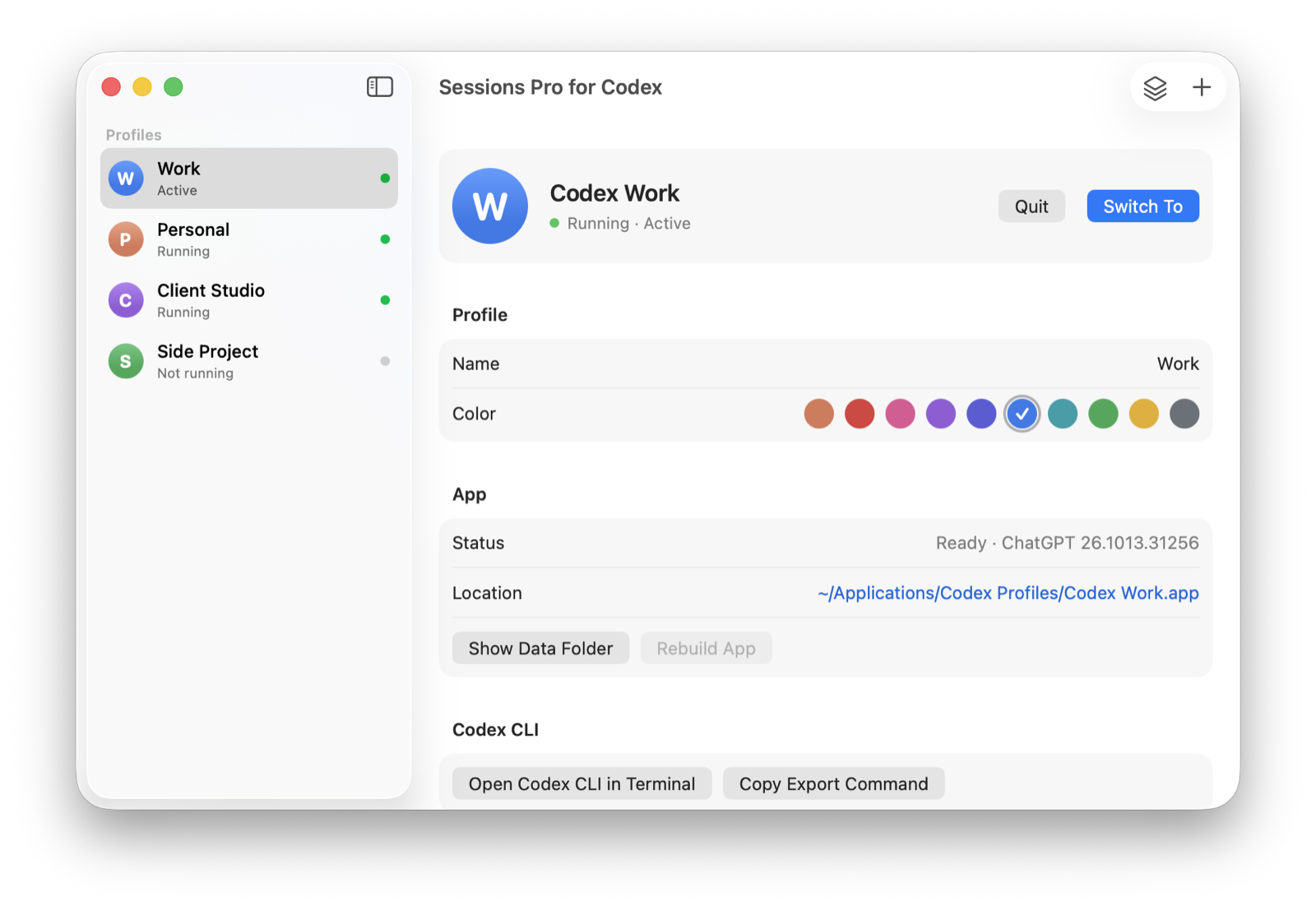
We make Sessions Pro for Codex.
 Sessions Pro for Codex
Free 1-hour preview · 14-day refund · 2 computers, Mac or PC
FAQ
How do I resume a Codex session?
Run codex resume for a picker of recent sessions from the current folder, codex resume --last for the most recent, or codex resume with a session ID or name.
Where does Codex save sessions?
Under CODEX_HOME, in ~/.codex/sessions by default, organized in dated folders.
Why don't I see my session in codex resume?
The picker is limited to the current folder (use --all), each CODEX_HOME has its own sessions, and non-interactive runs need --include-non-interactive.
Sessions Pro for Codex is made by LEX GLOBAL IT S.R.L. and is not affiliated with, endorsed by or sponsored by OpenAI. It runs the official ChatGPT app with accounts you already have, and OpenAI's terms apply to each account. ChatGPT and Codex are trademarks of OpenAI.