Short answer: Codex caches your login in auth.json inside CODEX_HOME (~/.codex by default), or in your operating system's credential store, depending on the cli_auth_credentials_store setting. codex login status shows how you're signed in and codex logout clears it. A different CODEX_HOME means a different login, which is how you run more than one account; Sessions Pro for Codex gives each profile its own.
Free 1-hour preview once you've signed in to a profile. For macOS 14 or later, or Windows 10 or 11, with the ChatGPT desktop app.
The files
Everything Codex knows about you lives in one folder, CODEX_HOME: ~/.codex on Mac and Linux, %USERPROFILE%\.codex on Windows. The ChatGPT desktop app uses the same folder for its Codex data, so by default the app and the CLI share it.
auth.jsonYour cached login. OpenAI says to treat it like a password: it contains access tokens. Don't commit it, paste it into a ticket or share it.config.tomlSettings, including MCP servers and how credentials are stored.sessionsYour local Codex sessions, whichcodex resumereads.
File or credential store?
The cli_auth_credentials_store setting in config.toml decides where the login goes:
| Where the login goes | |
|---|---|
file | auth.json under CODEX_HOME |
keyring | Your operating system's credential store; fails if it's unavailable |
auto | The credential store when available, otherwise auth.json |
ephemeral | Memory only, for the current process |
The commands that touch it
- Sign in.
Opens the browser to sign in with ChatGPT. On a machine without a browser, OpenAI documentscodex logincodex login --device-auth(beta); with an API key, pipe it tocodex login --with-api-key. - Check.
Shows how you're signed in.codex login status - Sign out.
Clears the stored login of the currentcodex logoutCODEX_HOME. With a shared~/.codex, that's every Codex using it (why).
More than one account
Because the login belongs to the folder, a second folder is a second login:
mkdir -p ~/.codex-work
CODEX_HOME=~/.codex-work codex
Sign in once there; plain codex keeps your first account. Copy config.toml between folders if you like, never auth.json. Aliases and the rest.
A login per profile, app and CLI.
Sessions Pro for Codex gives each profile its own CODEX_HOME: the profile's ChatGPT app and its "Codex CLI in Terminal" use the same folder, so they're always on the same account, and logging out of one profile never touches another.
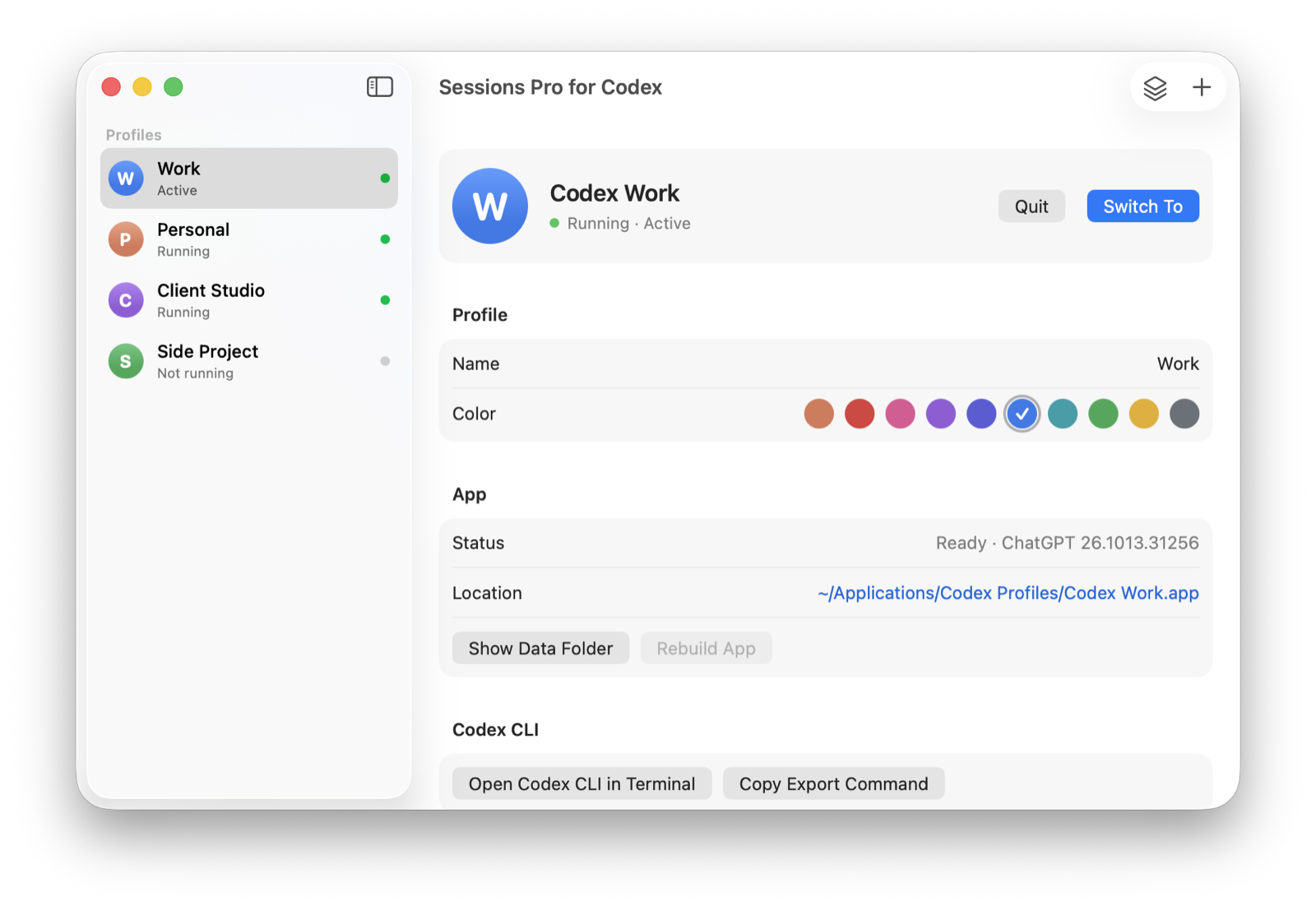
We make Sessions Pro for Codex.
 Sessions Pro for Codex
Free 1-hour preview · 14-day refund · 2 computers, Mac or PC
FAQ
Where does Codex store its login?
In auth.json inside CODEX_HOME (~/.codex by default), or in your operating system's credential store, depending on cli_auth_credentials_store.
Is auth.json safe to share?
No. OpenAI says to treat ~/.codex/auth.json like a password because it contains access tokens.
How do I check which account Codex is using?
Run codex login status to see how you're signed in, and check CODEX_HOME (empty means the default ~/.codex).
Sessions Pro for Codex is made by LEX GLOBAL IT S.R.L. and is not affiliated with, endorsed by or sponsored by OpenAI. It runs the official ChatGPT app with accounts you already have, and OpenAI's terms apply to each account. ChatGPT and Codex are trademarks of OpenAI.